The best label makers range from pocket-size organizers to desktop printers for shipping labels and business inventory. Choose by the label width and format you need, then check whether phone, computer, or offline printing fits your workflow.
Quick Top Products
Phomemo M250 3 Inch Label Maker
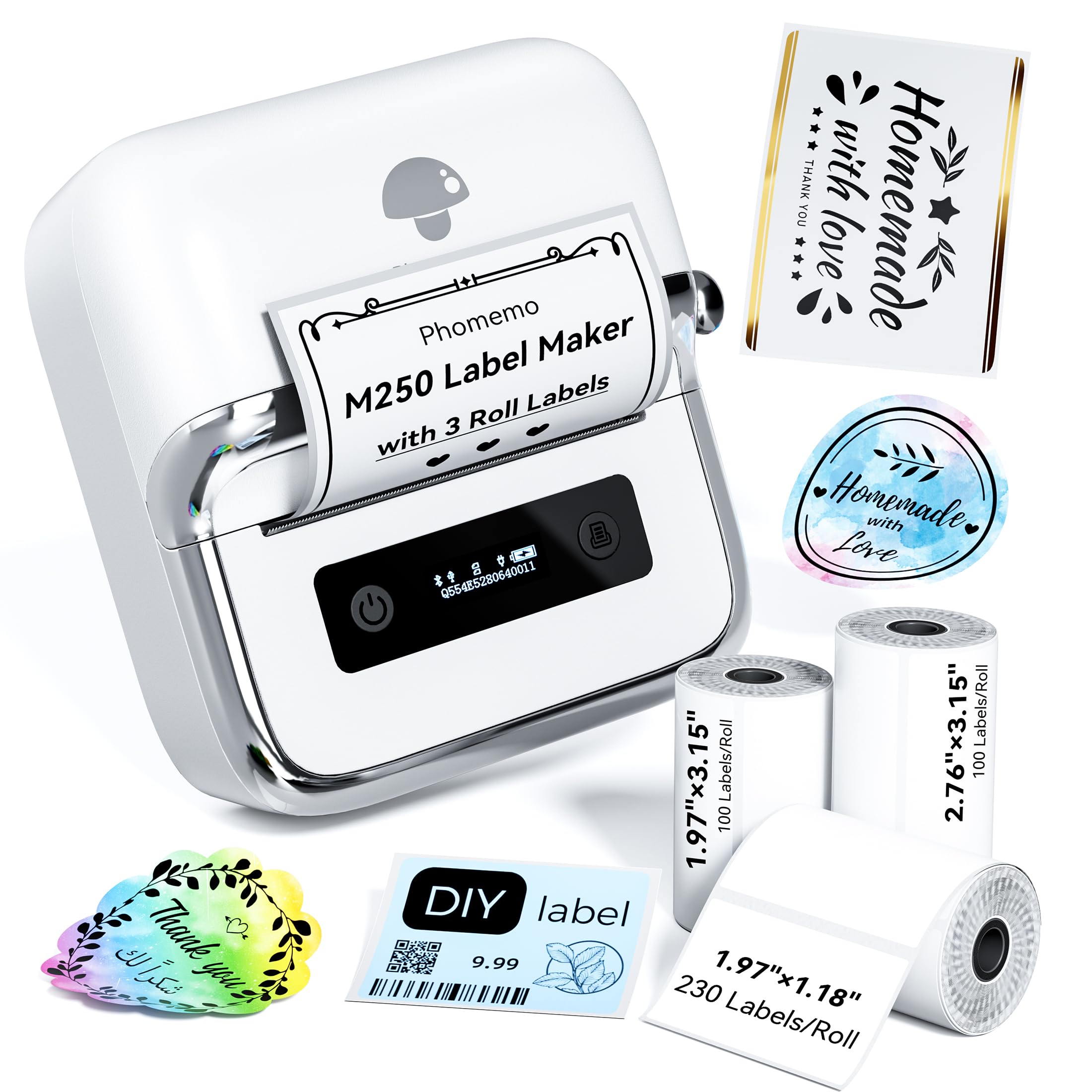
- Works with 20–75mm wide labels.
- Includes three label rolls in different sizes.
- Connects by Bluetooth or USB.
Best For: Home and small business users who want several label sizes and a portable printer.

NIIMBOT D101 Label Maker
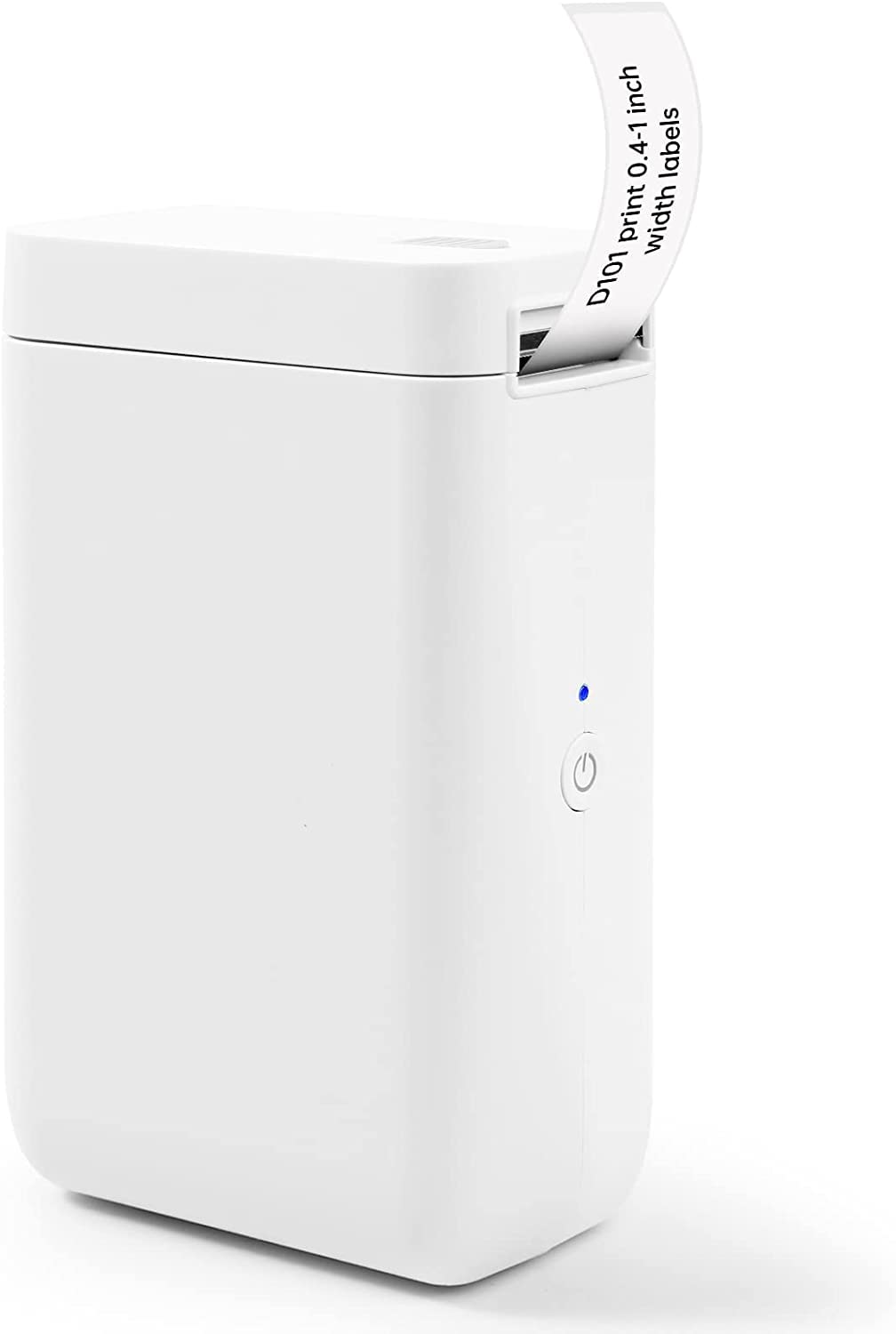
- Supports 0.5-inch and 1-inch label tapes.
- Prints barcodes and QR codes as well as text and symbols.
- Rechargeable battery is rated for two months on a single charge.
Best For: People organizing home, school, or office items who want to print two tape widths.
Phomemo M221 3 Inch Label Maker
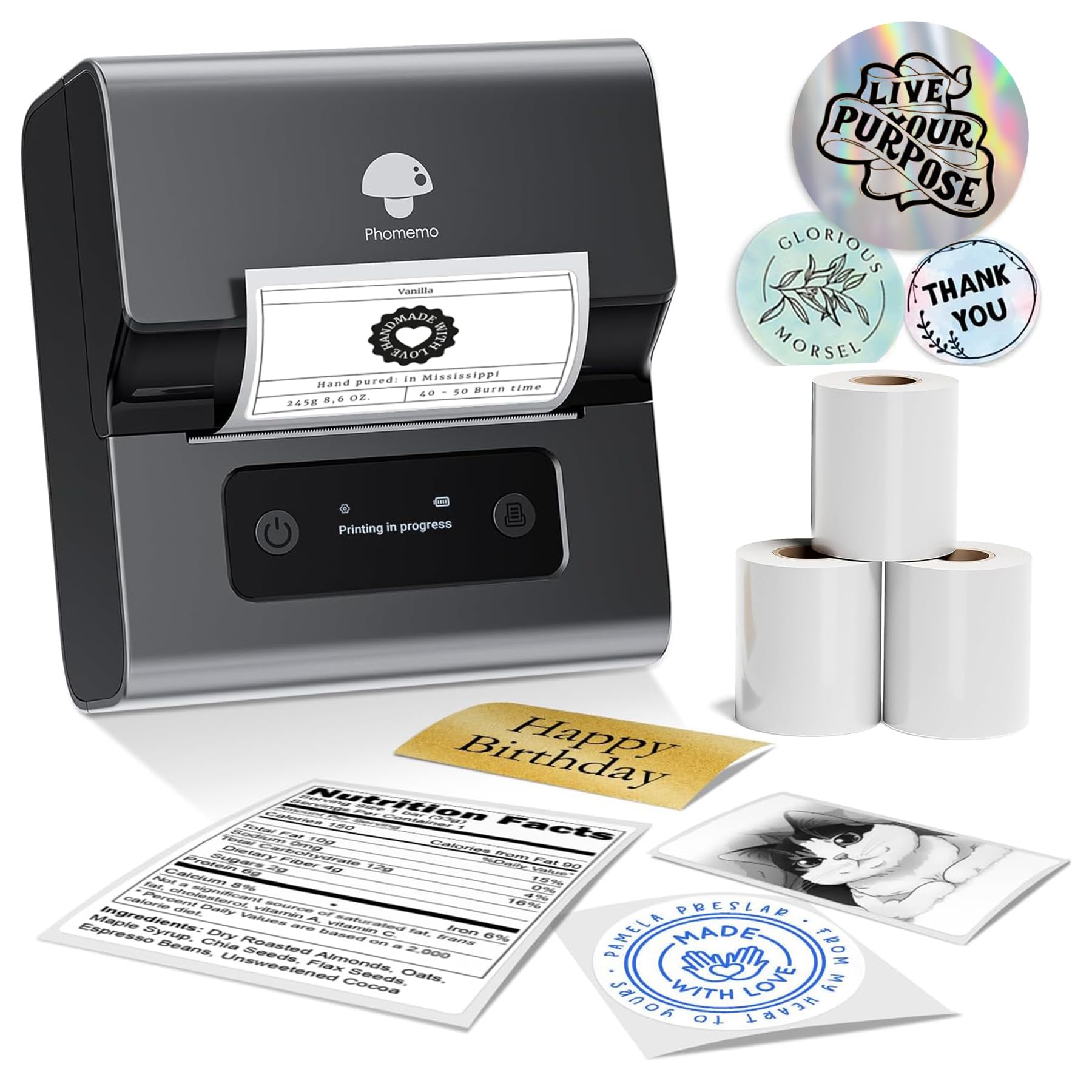
- Supports labels from 0.78 to 3.14 inches wide.
- Connects to a smartphone, tablet, or PC via Bluetooth.
- Loads rolls without tools or separate parts.
Best For: Small businesses and home offices that need labels up to 3.14 inches wide and frequent printing.
Phomemo M120 2 Inch Label Maker
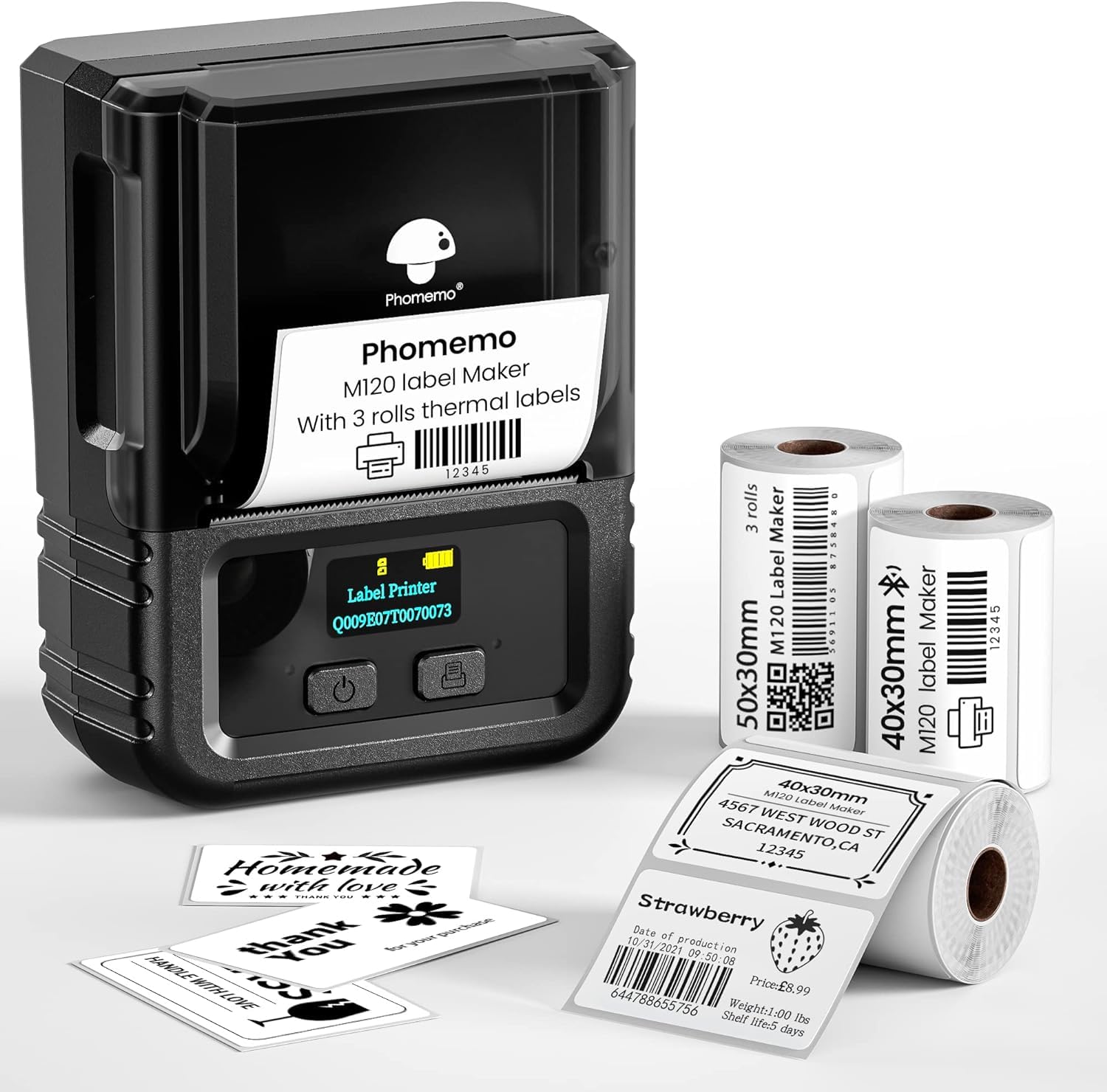
- Weighs 200g and is designed for portable use.
- Includes three thermal-label rolls in two sizes.
- Supports 20–50mm label sizes.
Best For: Mobile users who want a portable label maker with multiple included rolls and computer connectivity.
Phomemo P12 Label Maker
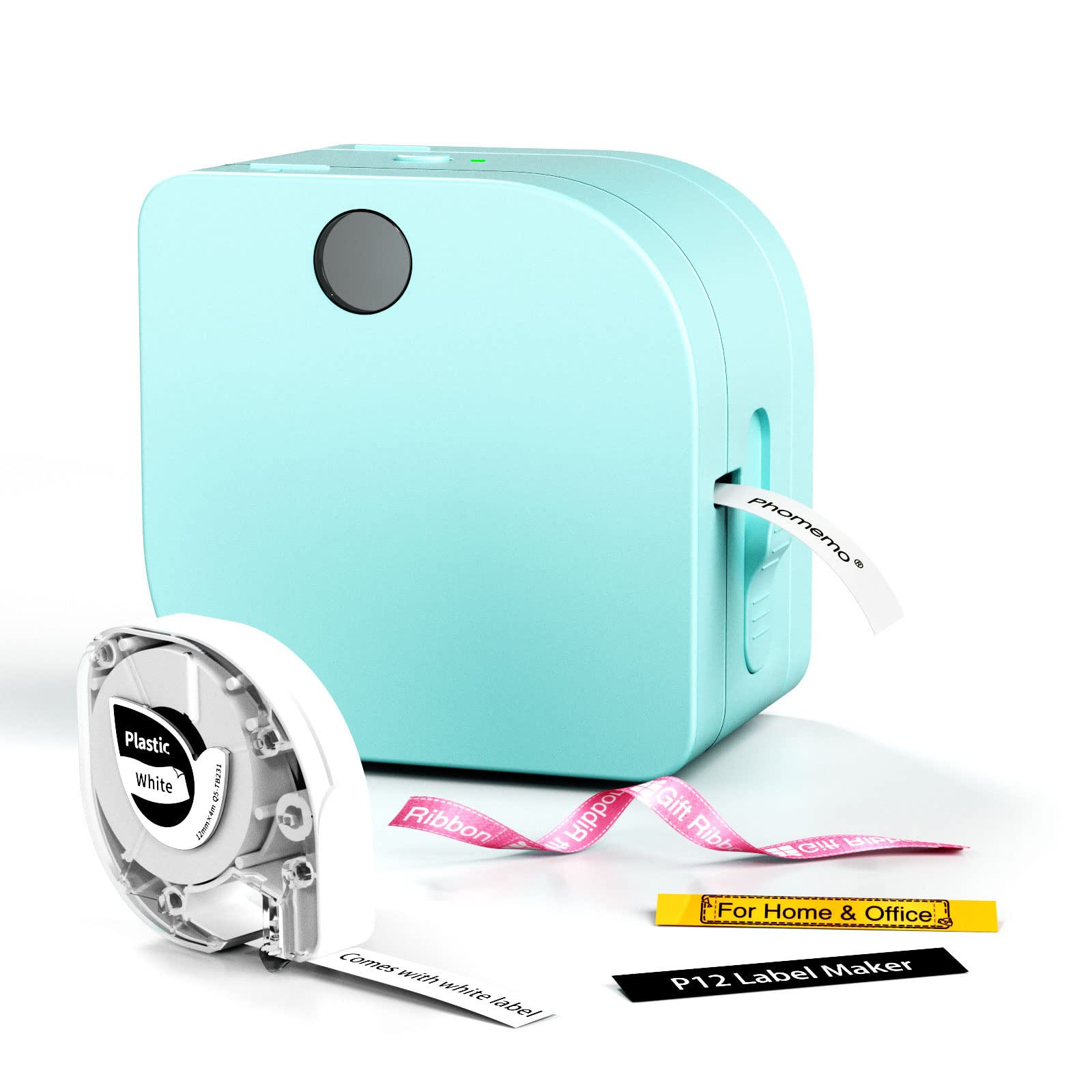
- Supports thermal labels and thermal transfer labels.
- Offers app tools including Excel import, OCR, and voice recognition.
- Can run from USB-C power or six AAA batteries.
Best For: Teachers and home organizers who need both everyday and more specialized label tape options.
Nelko PM220 2 Inch Label Maker
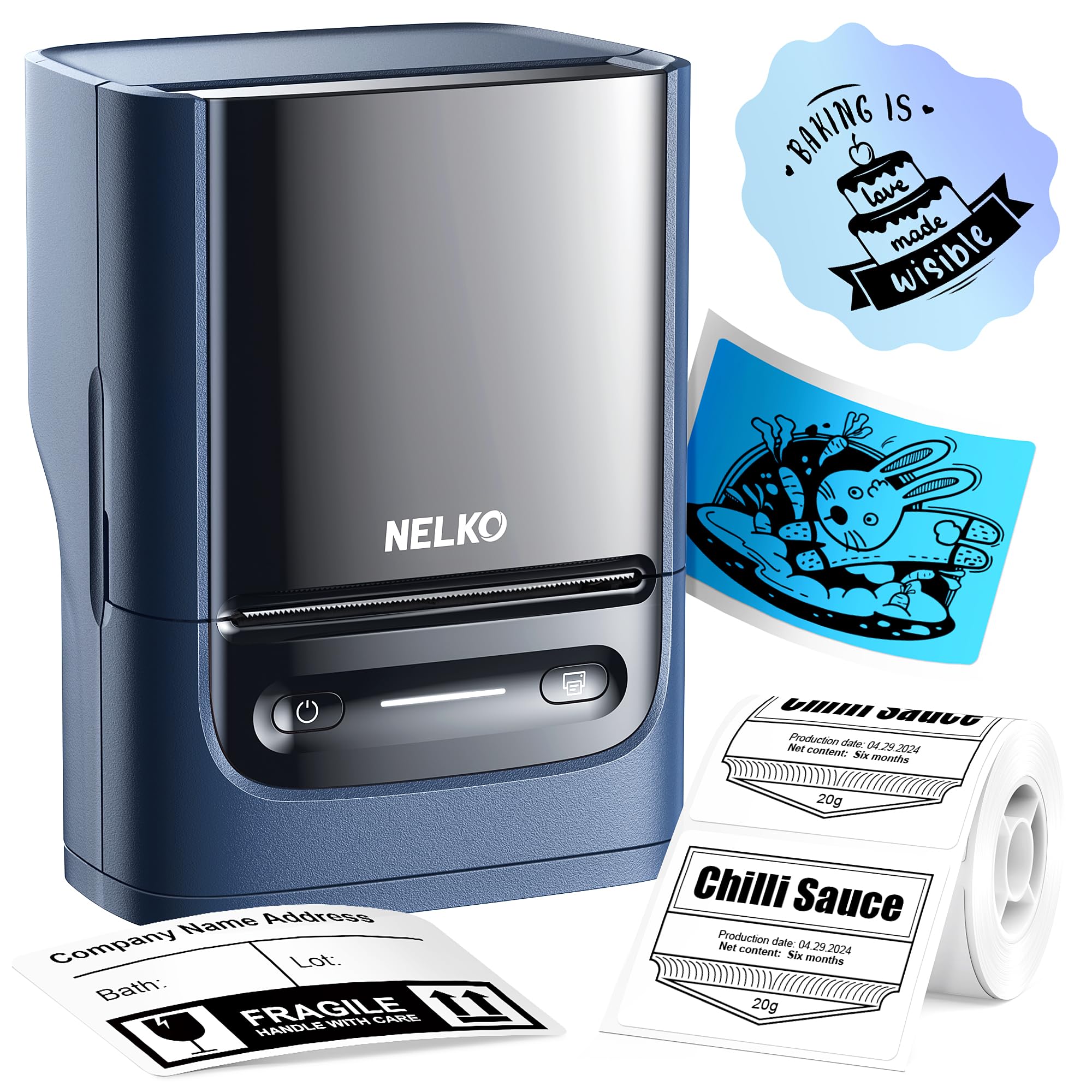
- Supports label widths from 23–54mm.
- Works with smartphones and PC.
- Includes a label tape in the paper bin.
Best For: Small businesses and crafters who want a compact label maker that supports both phone and PC use.
Phomemo 241BT Shipping Label Printer
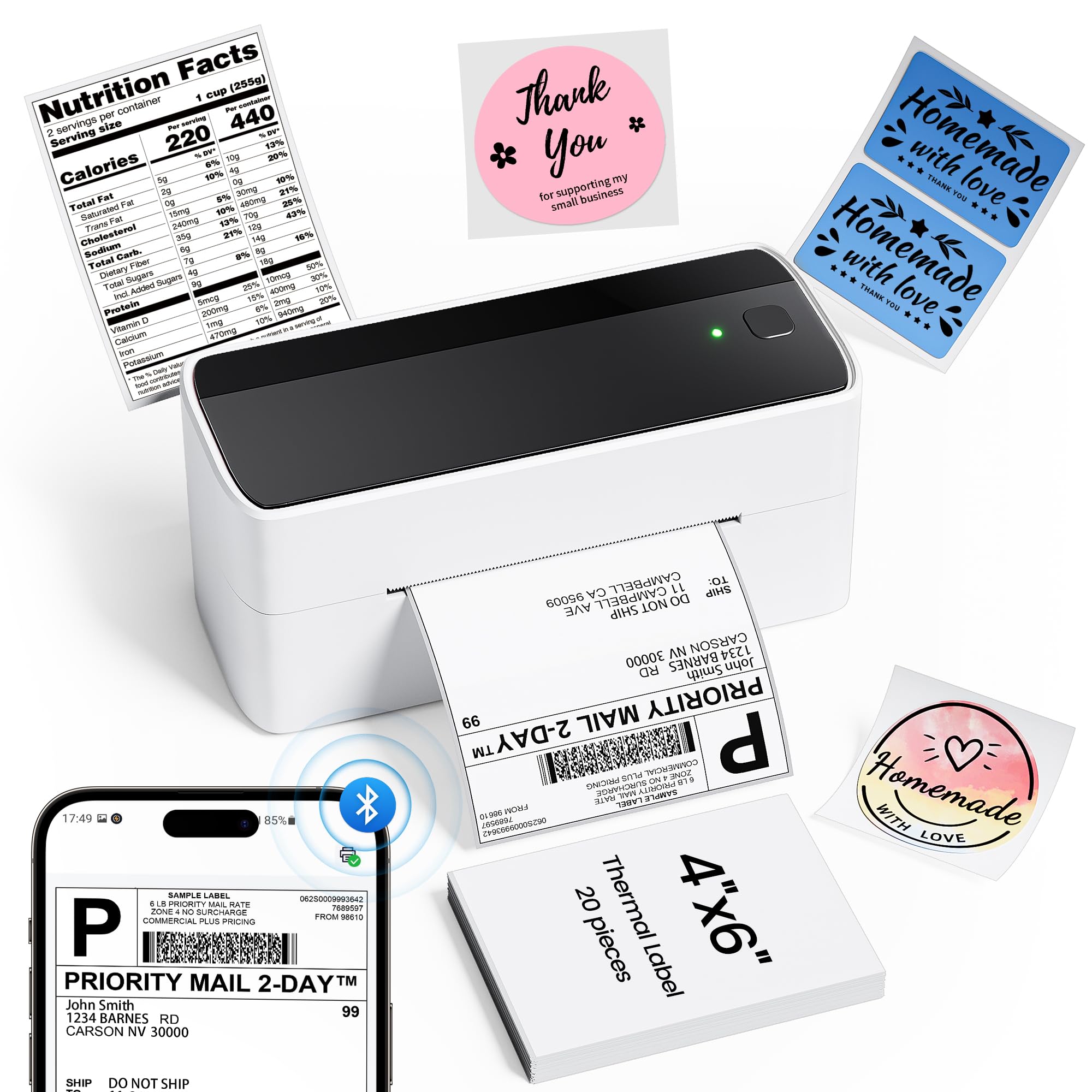
- Supports label widths from 1 to 4.6 inches.
- Offers Bluetooth and USB printing.
- Direct thermal printing needs no ink or toner.
Best For: Small online sellers who print shipping labels from phones or computers and want Bluetooth and USB options.
Nelko PL70E 4x6 Shipping Label Printer
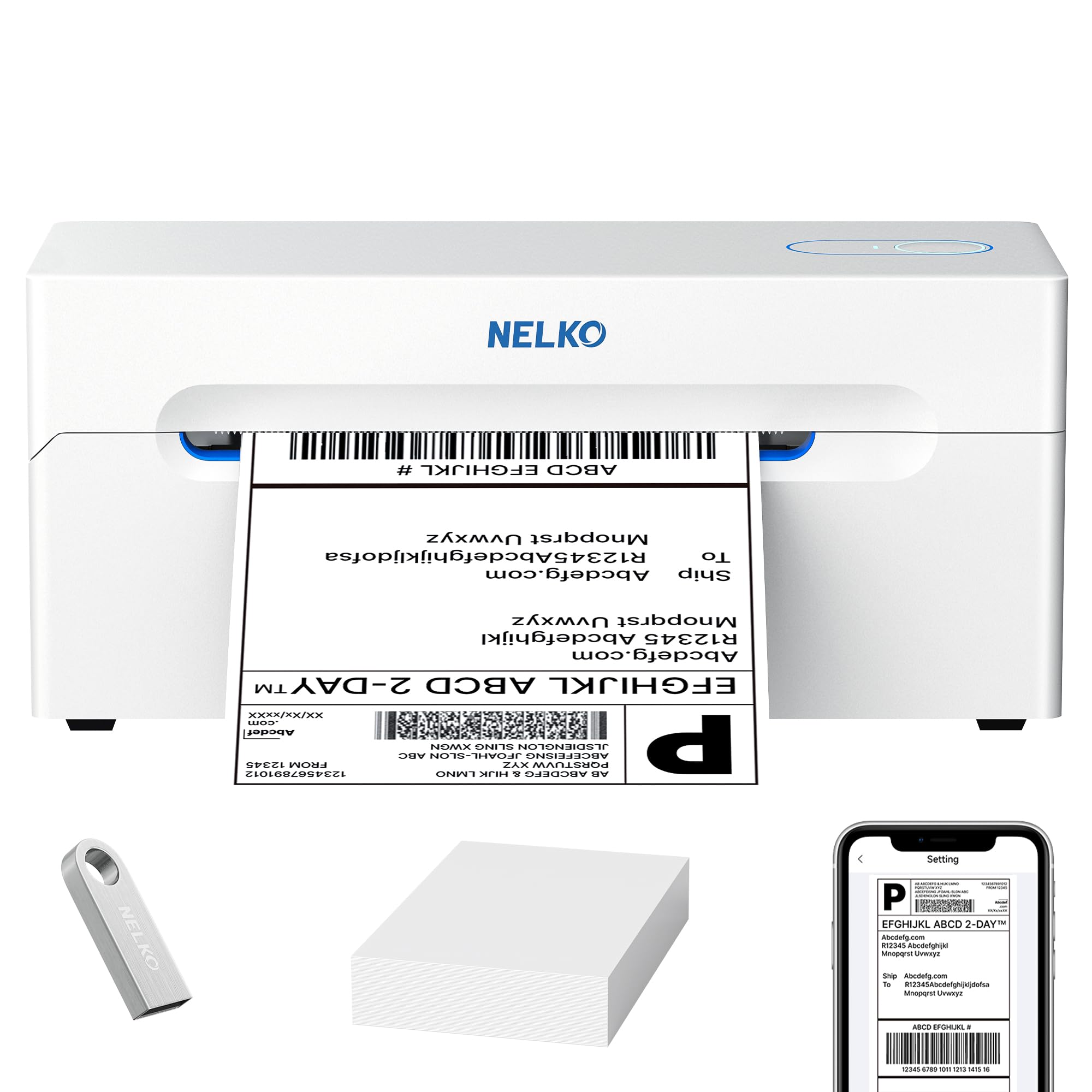
- Supports labels from 1.57 to 4.1 inches wide.
- Offers Bluetooth and USB connection options.
- Compatible with many sales and shipping platforms.
Best For: Online sellers who need a desktop shipping printer with broad system and platform support.
Phomemo D530 Pro 300DPI Shipping Printer
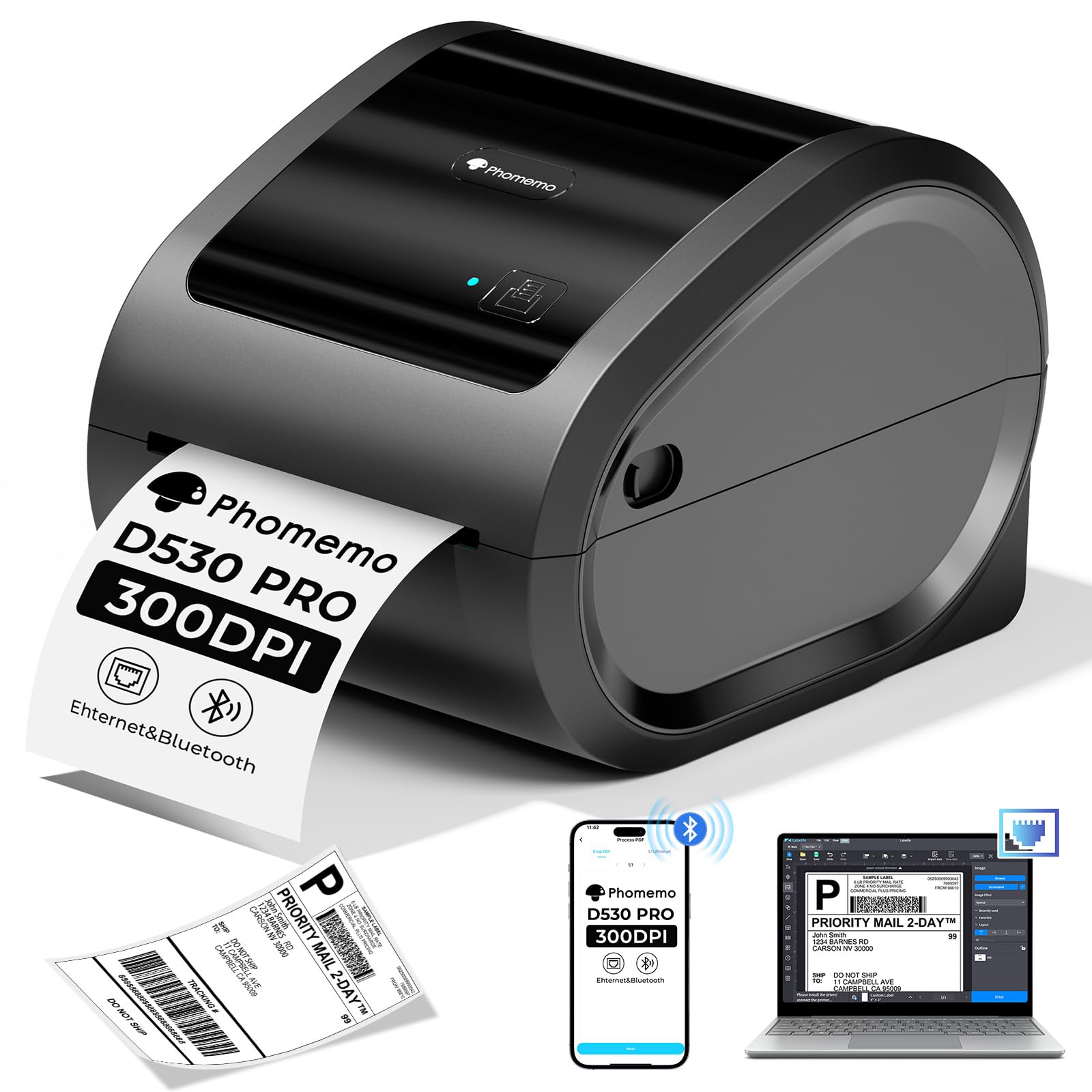
- Supports Bluetooth, Ethernet, and USB connections.
- Built-in paper storage holds up to 500 4x6-inch labels.
- Print clarity is rated at 300DPI.
Best For: Small businesses that want a shipping-label printer with Ethernet connectivity and a built-in paper bin.
Omezizy D520BT 4x6 Shipping Label Printer
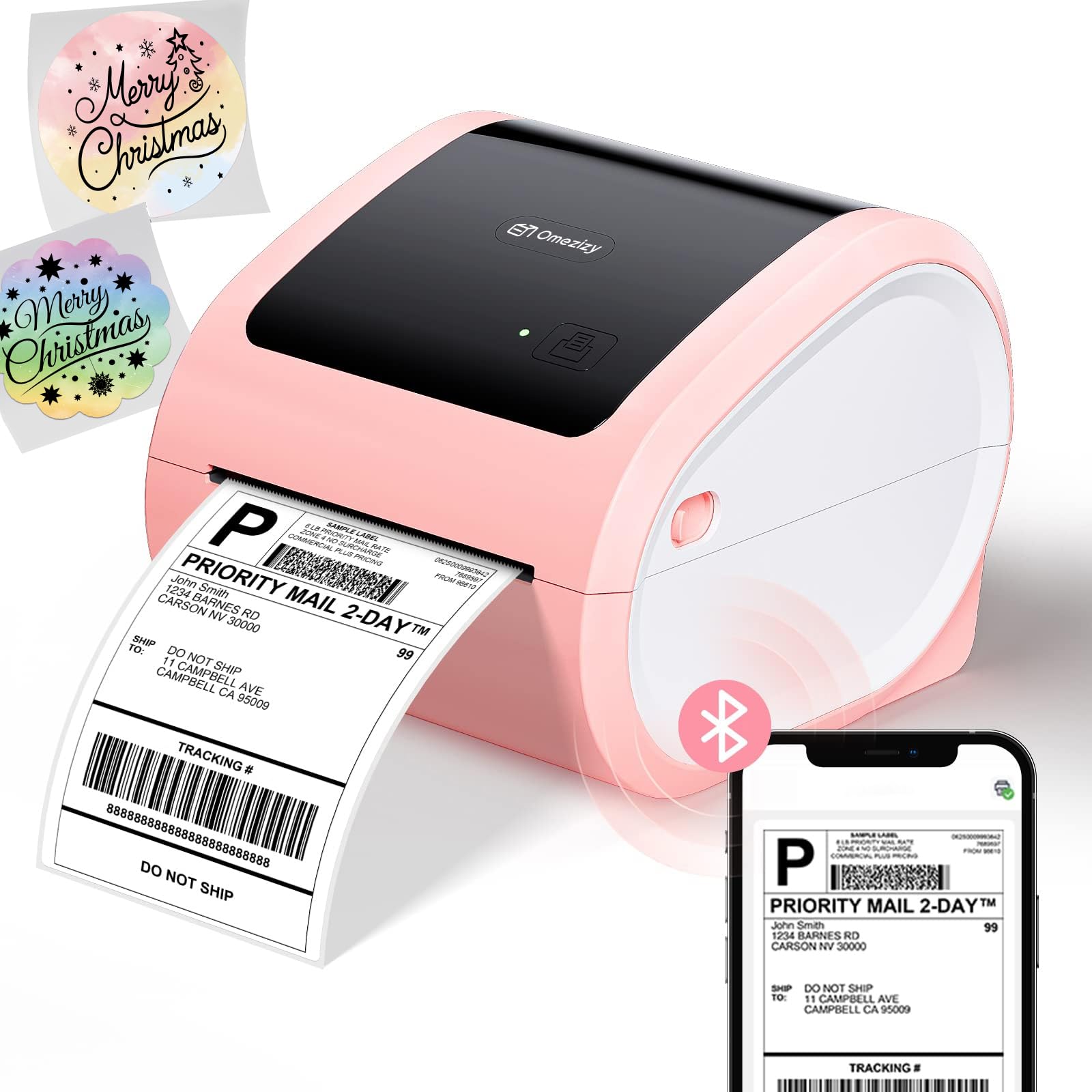
- Supports roll and rear fanfold paper loading.
- Works with labels 1 to 4.6 inches wide.
- Connects by Bluetooth through the guide's app or by USB.
Best For: Small shops that want a thermal shipping printer with both roll and fanfold paper loading.
Flexible 3-Inch Labeling Kit
Phomemo M250 3 Inch Label Maker Machine with 3 Roll Labels | Bluetooth Thermal Label Printer, Upgrade Portable Barcode & Address Label Maker for Business, Home, School, Logo Label
The Phomemo M250 is a portable thermal label maker for jobs that call for wider labels than a pocket organizer typically handles. It supports labels from 20–75mm and includes three rolls in different sizes, so it can cover addresses, barcodes, jars, cables, and workspace supplies.
Its rechargeable 2200mAh battery is rated for up to 5000 labels per charge, and it connects by Bluetooth or USB. The Print Master app adds templates, fonts, symbols, QR codes, batch printing, and voice input.
Check that the included roll sizes and app workflow match the labels you plan to produce.
Best For: Home and small business users who want several label sizes and a portable printer.
| Pros | Cons |
|---|---|
|
|
Choose the M250 if you want one compact machine for labels of several widths and appreciate having three rolls in the box. Its phone and computer connections make it adaptable across a home or small business workflow.
Check whether the included sizes suit your recurring jobs and whether you prefer Print Master for design and batch work. The 390g weight keeps it portable, while the 20–75mm range defines its label format rather than full-size shipping-label output.
Two Widths in a Rechargeable Organizer
NIIMBOT Label Maker Machine D101 Label Printer Portable Wireless Connection Multiple Templates Available for Phone Easy to Use Office Home Organization USB Rechargeable
The NIIMBOT D101 focuses on everyday organization labels and offers compatibility with both 0.5-inch and 1-inch tapes. It connects labels to a phone-based workflow and supports text, numbers, graphics, symbols, logos, barcodes, and QR codes.
Thermal printing avoids ink and toner, while the rechargeable battery is described as lasting up to two months on a charge. This is a practical fit for storage, food-date, kitchen, and school labels.
Before buying, check which tape sizes and shapes are available for the jobs you have in mind, and confirm the app features fit your design needs.
Best For: People organizing home, school, or office items who want to print two tape widths.
| Pros | Cons |
|---|---|
|
|
The D101 makes sense for routine home, school, or office labeling when the two supported tape widths cover your needs. Its rechargeable design and broad content tools give it flexibility for more than plain text.
Check tape availability and phone compatibility before choosing it, since the supplied details do not identify supported mobile operating systems. It is aimed at organization labels; choose a printer with a wider stated range if your work requires substantially larger formats.
Wider Labels for Desktop Work
Phomemo M221 Label Maker Machine with 3 Tapes, 3 Inch Bluetooth Thermal No Ink Label Maker for Address, Barcode, Small Business, Home for Phone/PC, Space Gray, with 430 Pieces Labels | Bluetooth Thermal No Ink Label Maker for Address, Barcode, Small Business, Home for Phone/PC, Space Gray, with 430 Labels
The M221 is a desktop-oriented thermal label maker with support for widths from 0.78 to 3.14 inches. That range suits addresses, product labels, barcodes, QR codes, and organization tasks.
It connects to phones, tablets, or PCs over Bluetooth, and its app handles custom designs. Tool-free roll loading and an integrated holder aim to simplify changes and keep labels aligned.
The product notes also describe continuous printing for larger runs. Check the compatible label types and the exact computer setup you need before buying.
Best For: Small businesses and home offices that need labels up to 3.14 inches wide and frequent printing.
| Pros | Cons |
|---|---|
|
|
Choose the M221 when labels wider than pocket models support are useful and your work involves repeated product, barcode, or address printing. Its upper width limit makes it a different tool from a dedicated shipping-label printer, so check the format first if packages are your main use.
The Bluetooth computer support is convenient, while the exact USB workflow and operating-system details should be confirmed for your setup. Tool-free loading is a useful fit for changing rolls regularly.
Pocket Printer with Batch-Friendly App
Phomemo M120 Label Maker, 2 Inch Bluetooth Thermal Label Printer with Label | (4030/4030/5030mm), Label Maker Machine for Small Business, Barcode, Address, Sticker Printer for Phone & PC
The M120 combines a compact 200g body with support for 20–50mm labels, making it suitable for home organization, barcodes, addresses, and small business tags. It includes three rolls in two sizes and supports Bluetooth printing from iOS and Android, plus USB connection to a PC.
The Print Master app adds templates, symbols, fonts, voice input, and image recognition. Its battery is rated for up to 3,000 labels per charge.
Check whether the included roll formats fit your work, and confirm the computer software and connection process before relying on it for regular desktop jobs.
Best For: Mobile users who want a portable label maker with multiple included rolls and computer connectivity.
| Pros | Cons |
|---|---|
|
|
The M120 suits buyers who need a small label maker they can carry and want both phone and PC workflows. Its 20–50mm range is useful for compact labels but does not cover larger shipping formats.
The three-roll bundle helps with common label sizes, though checking refill availability remains sensible. Compare the M120 with a wider-format model if your labels need more space for product details or larger barcodes.
Thermal and Transfer Label Choices
Phomemo Label Maker Machine with Tape, P12 Bluetooth Small Label Maker with Multiple Templates Thermal Transfer Ribbon Printer Machine for Home, School, Teacher, Classroom
The Phomemo P12 supports thermal labels and thermal transfer labels, giving it two approaches for everyday and specialized labeling. The notes associate thermal transfer labels with uses such as outdoor, bathroom, dishwasher, and clothing labels, while standard thermal labels cover kitchens and home tidying.
It connects to iOS and Android through Bluetooth, and its app supports templates, barcode creation, Excel import, scanning, OCR, and voice recognition. Power comes from USB-C connection or six AAA batteries, which are not included.
Check tape compatibility and the power option you prefer before choosing it.
Best For: Teachers and home organizers who need both everyday and more specialized label tape options.
| Pros | Cons |
|---|---|
|
|
Choose the P12 if your labels span ordinary indoor organization and tasks for which the product notes point to transfer labels, such as clothing or bathroom use. Its app and cutter support varied label creation, and the USB-C option avoids relying on disposable batteries when near power.
Check that you can obtain the specific tape type you need. If you mainly print simple pantry labels, a narrower, simpler maker may be sufficient.
Phone or PC Labeling in a Compact Format
Nelko Label Maker Machine with Tape, PM220 Bluetooth Label Printer, 2 Inch Portable Thermal Printer for Small Business, Address, Logo, Clothing, Sticker Printer for Phones & PC, Blue
The Nelko PM220 handles labels 23–54mm wide and connects with phones over Bluetooth or with a PC using its driver and app. It supports text, icons, barcodes, QR codes, tables, and other label elements through the Nelko app.
The maker includes a label tape in the paper bin, and the notes describe adjusting the paper slot to secure the tape and calibrating before printing. Its compact format suits product, clothing, craft, jewelry, and address labels.
Check the computer setup steps and the adapter requirements before buying; a charging adapter is not included.
Best For: Small businesses and crafters who want a compact label maker that supports both phone and PC use.
| Pros | Cons |
|---|---|
|
|
The PM220 is a useful fit if you want a compact maker for product and craft labels and need a computer option as well as phone printing. Its 23–54mm range covers small formats, so check the width against your label designs before buying.
The PC route takes separate software setup, while the phone route uses the Nelko app. Consider your available power adapter and whether you are comfortable calibrating the tape position.
Wireless Shipping Labels with USB Backup
Phomemo Bluetooth Thermal Printer for Shipping Packages - Wireless Label Printers for Small Business with Phone&Pad&PC, 241BT Shipping Label Printer Compatible with Amazon, Shopify, USPS, Temu
The Phomemo 241BT is a desktop thermal printer for shipping and other labels between 1 and 4.6 inches wide. Bluetooth printing works with phones and PCs using the Labelife app or software, while USB offers another computer connection.
Its platform examples include USPS, Shopify, UPS, Etsy, eBay, and Amazon. Direct thermal printing removes the need for ink or toner, but output is monochrome.
Check the computer driver and platform workflow for your setup, and confirm that your shipping label format fits the supported width range before buying.
Best For: Small online sellers who print shipping labels from phones or computers and want Bluetooth and USB options.
| Pros | Cons |
|---|---|
|
|
Choose the 241BT for package labels and other wide-format work when you want either Bluetooth or USB. Its range and shipping-platform compatibility make it more suited to online selling than compact organizing models.
Check the specific computer driver and how your preferred marketplace exports labels; the app and USB setup differ by device. If colorful printed graphics matter, this monochrome printer is not the right fit, though compatible thermal color paper is mentioned in the notes.
Shipping Printer with Wired and Wireless Setup
Nelko Bluetooth Thermal Shipping Label Printer, Wireless 4x6 Shipping Label Printer for Small Business, Support Android, iPhone and Windows, Widely Used for Amazon, Shopify, Etsy(White)
The Nelko PL70E is a thermal desktop printer for shipping labels, warehouse tags, product price stickers, and classroom labels. It supports label widths from 1.57 to 4.1 inches and prints through Bluetooth or USB.
Its listed system support includes iOS, Android, Windows, Mac devices with M1/M2 chips, Chrome OS, and Linux for USB. The printer uses direct thermal printing, so ink and toner are not part of the workflow.
Check the supported width against your label format, especially if you rely on a full 4-inch-wide label, and confirm the correct connection path for your device.
Best For: Online sellers who need a desktop shipping printer with broad system and platform support.
| Pros | Cons |
|---|---|
|
|
The PL70E fits sellers who want a dedicated shipping printer plus the option to print product or classroom labels. Its platform support is broad, and its USB system list is distinct from its Bluetooth phone workflow.
Check label width carefully if your shipping workflow uses a larger format, since the supported maximum is 4.1 inches. This desktop design makes more sense for a steady workstation than for pocket labeling.
Ethernet and Built-In Paper Storage
Phomemo 300DPI Ethernet Thermal Label Printer 4x6 with Built-in Paper Bin
The Phomemo D530 Pro is a desktop thermal shipping printer with Bluetooth, Ethernet, and USB connections. Its notes give 300DPI print clarity and a speed of up to 150mm/s, with a built-in bin that can hold up to 500 4×6-inch labels.
It supports label widths from 1 to 4.6 inches and is compatible with major shipping platforms such as USPS, UPS, FedEx, Amazon, and eBay. Check whether Ethernet or wireless best suits your workstation and confirm the label roll format you plan to load.
It is a larger desktop setup than a portable organization maker.
Best For: Small businesses that want a shipping-label printer with Ethernet connectivity and a built-in paper bin.
| Pros | Cons |
|---|---|
|
|
Choose the D530 Pro if Ethernet matters at your workstation or you want a built-in bin for a substantial roll of 4×6 labels. Its 300DPI specification and broad label width range serve shipping and business labeling needs.
Check the included-paper details before purchase, since this offer’s notes do not say that labels come in the box. For a phone-only organization task, its desktop connections and paper capacity may be more than you need.
Roll or Fanfold Feeding for Shipping
Shipping Label Printer 4x6 with Built-in Label Bin | Pink Thermal Label Printer for Small Business, Shipping Packages, Home, Office, Compatible with USPS, Shopify, Amazon, Tiktok
The Omezizy D520BT is a desktop thermal printer for shipping packages and business or home labeling. It supports 1 to 4.6-inch labels, and its paper handling accepts roll paper inside the printer or fanfold paper from the back.
Bluetooth connects through the app described in the guide, while USB provides a wired option for computers. The notes cite up to 72 labels per minute and platform compatibility including Shopify, TikTok, Etsy, PayPal, eBay, and Amazon.
Check the app workflow and label format you use before buying, particularly if you expect direct Bluetooth pairing outside the guide.
Best For: Small shops that want a thermal shipping printer with both roll and fanfold paper loading.
| Pros | Cons |
|---|---|
|
|
The D520BT is a practical choice when you want flexibility in how label stock feeds into a shipping printer. Its 1 to 4.6-inch range and listed sales platforms suit small online shops, while USB offers a wired alternative to Bluetooth.
Check whether the guide’s app fits your device and preferred workflow, and decide whether roll or fanfold stock is easier to keep at your workspace. It is less suitable for pocket-sized home organization.
How to Choose Label Makers
How We Picked Best Label Makers
This selection covers different jobs that people mean when they search for label makers: portable household and classroom labels, wider labels for products and files, and desktop printers for shipping. We prioritized candidates with a clear label-width range or supported tape format, a stated connection method, and specific examples of the labels they handle.
Several compact makers use phone apps and thermal printing; shipping models add desktop connections and wider formats.
The right choice depends on the label itself. A maker that supports narrow tapes is convenient for jars, cables, and name tags, while a desktop printer with a range reaching 4.6 inches is designed for shipping and business workflows.
Bundle contents, computer support, and whether the printer handles 4×6 labels also separate otherwise similar-looking products.
Comparing Label Makers by Format and Workflow
Compact models such as the NIIMBOT D101, Phomemo M120, and Nelko PM220 focus on organization and product labels. Their supported widths vary, and the D101 specifically accepts 0.5-inch and 1-inch tape.
The M120 includes three small rolls and supports phone Bluetooth plus PC USB. The PM220 also supports PC use, though its notes call for a dedicated driver and app.
The Phomemo M250 and M221 offer broader widths for users who need larger labels. The M250 includes three roll sizes and supports Bluetooth or USB; the M221 has tool-free roll loading and a stated maximum of 3.14 inches.
Neither should be confused with the shipping models for 4×6 labels. For packages, the Phomemo 241BT, Nelko PL70E, D530 Pro, and Omezizy D520BT are desktop options.
Their label-width ranges, connection paths, and paper handling differ. The D530 Pro adds Ethernet and a built-in paper bin; the D520BT accepts internal rolls or rear-fed fanfold stock.
| Product | Standout features | Best for |
|---|---|---|
| Phomemo M250 3 Inch Label MakerCheck Price |
| Home and small business users who want several label sizes and a portable printer. |
| NIIMBOT D101 Label MakerCheck Price |
| People organizing home, school, or office items who want to print two tape widths. |
| Phomemo M221 3 Inch Label MakerCheck Price |
| Small businesses and home offices that need labels up to 3.14 inches wide and frequent printing. |
| Phomemo M120 2 Inch Label MakerCheck Price |
| Mobile users who want a portable label maker with multiple included rolls and computer connectivity. |
| Phomemo P12 Label MakerCheck Price |
| Teachers and home organizers who need both everyday and more specialized label tape options. |
| Nelko PM220 2 Inch Label MakerCheck Price |
| Small businesses and crafters who want a compact label maker that supports both phone and PC use. |
| Phomemo 241BT Shipping Label PrinterCheck Price |
| Small online sellers who print shipping labels from phones or computers and want Bluetooth and USB options. |
| Nelko PL70E 4x6 Shipping Label PrinterCheck Price |
| Online sellers who need a desktop shipping printer with broad system and platform support. |
| Phomemo D530 Pro 300DPI Shipping PrinterCheck Price |
| Small businesses that want a shipping-label printer with Ethernet connectivity and a built-in paper bin. |
| Omezizy D520BT 4x6 Shipping Label PrinterCheck Price |
| Small shops that want a thermal shipping printer with both roll and fanfold paper loading. |
Choosing a Label Maker for Home and School
For pantry jars, clothing, school supplies, and files, first decide whether you want fixed-format tape or a more flexible width range. A small Bluetooth maker can keep the workflow close to your phone, while the P12 adds support for thermal transfer labels as well as standard thermal labels.
That distinction may matter for the specialized uses named in its notes. Check which refills fit and whether your label design needs color patterns; several compact thermal models print black text rather than color.
App support matters when you create many designs or repeat labels. The D101 and M120 include tools for barcodes and QR codes, while the M250 app supports batch printing and voice input.
If you want to print from a computer, confirm the operating-system and connection details for the specific model. Computer support varies even among makers that look similarly portable.
Shipping and Small Business Label Printer Considerations
Small sellers should verify the label width and paper feed before choosing a shipping label printer. The compact makers in this guide do not support the full 4×6 shipping format; the desktop shipping models list ranges that include widths around that format.
The Nelko PL70E tops out at 4.1 inches, while other shipping printers state ranges through 4.6 inches. Match the printer to the label file and stock you actually use.
Then consider how labels reach the printer. Bluetooth can suit a phone-centered setup, while USB offers a direct computer connection.
Ethernet on the D530 Pro adds another desktop connection choice. Internal rolls reduce the need for a separate holder, and fanfold support can suit stock loaded from behind the machine.
Check platform instructions too: compatibility with a marketplace does not by itself explain the exact export and app steps.
Who Should Buy Which Label Maker
For everyday organizing and small product labels, start with a compact maker whose tape width matches your labels. The D101 covers two tape widths, the M120 bundles three small rolls, and the PM220 adds PC support in a compact format.
For wider batch work, compare the M250’s included sizes with the M221’s tool-free loading and stated width limit.
For shipping labels, choose a desktop printer that supports the width and feed type you need. The 241BT offers Bluetooth and USB, the PL70E lists broad system and platform support, and the D530 Pro adds Ethernet and built-in roll storage.
The D520BT is a fit if you want roll or fanfold loading. Confirm computer compatibility, app setup, and the specific label stock before settling on a model.