The HP Sprocket Portable Photo Printer (2nd Edition) turns phone photos into compact 2-by-3-inch prints with adhesive backing, making it easy to bring digital snapshots into scrapbooks, journals, and shared gatherings.
This hp sprocket review 2x3 looks at its portable format, app-based customization, and the practical limits of choosing small sticker-style prints.
HP Sprocket Review Summary
The quick verdict
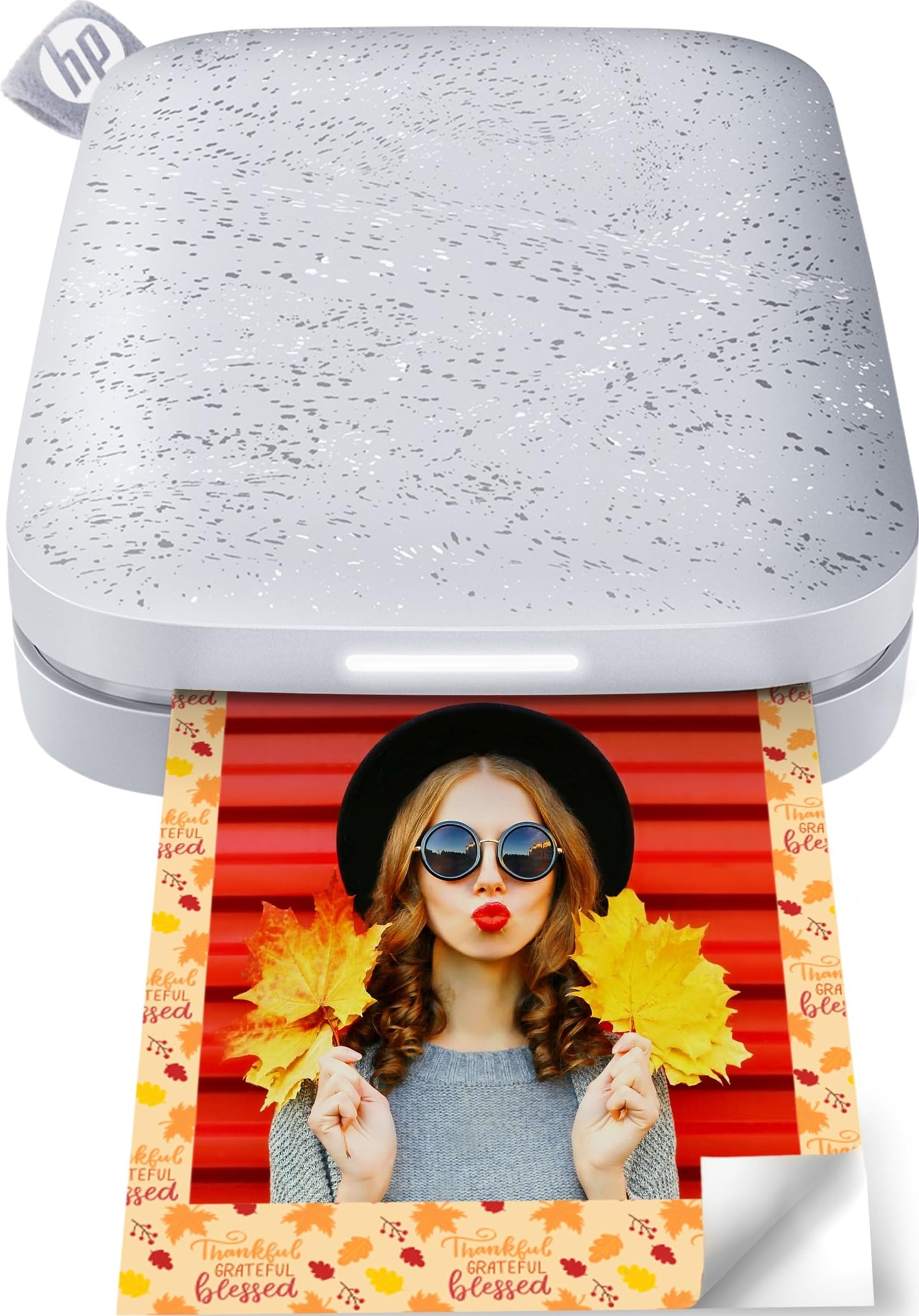
25,000+ ratings
Read Amazon ReviewsHP Sprocket Portable Photo Printer (2nd Edition)
A pocket-friendly choice for phone photographers who want small, peel-and-stick prints for scrapbooks, journals, and sharing with friends.
- Prints 2-by-3-inch photos on adhesive-backed HP ZINK paper.
- Smartphone-sized design is intended for carrying in a pocket, purse, or backpack.
- Connects to compatible phones through Bluetooth 5.0.
- The HP Sprocket app lets users customize photos from social media or their phone before printing.

Pros
- Small body and adhesive-backed prints suit travel, parties, journaling, and scrapbooking.
- ZINK printing avoids ink cartridges and ribbons.
Consider before buying
- The 2-by-3-inch print area is limited for users who want larger, frame-ready photos.
- Only 10 paper sheets are included, so regular printing requires replenishing the specific media.
Read the full review summary
The Sprocket is designed for spontaneous, casual printing: select an image on a compatible phone, personalize it in the HP Sprocket app, and print on ZINK paper without ink cartridges or ribbons.
Its pocketable form, Bluetooth connection, and multi-device printing make it suited to parties and creative projects where the fun is in making and sharing small physical keepsakes.
Its appeal depends on wanting the specific 2-by-3-inch adhesive format. The included starter paper is limited to 10 sheets, and the tiny prints are better suited to captions, collages, and personal mementos than to replacing larger photo prints.
Check that your phone meets the stated operating-system requirements and that you are comfortable buying compatible paper for ongoing use.
The buying factors
HP Sprocket Scorecard
Editorial scores reflect listed features and buyer fit; they are not laboratory measurements or customer ratings.
Portability
The smartphone-sized body is designed to slip into a pocket, purse, or backpack.
Print format versatility
Adhesive-backed 2-by-3-inch prints are handy for stickers and small keepsakes, but the format is compact.
Creative customization
The HP Sprocket app supports decorating and designing photos before printing.
Group printing
Multiple devices can connect to print, with an LED indicator showing whose photo is being printed.
Setup convenience
Bluetooth 5.0 and a sleep mode are intended to keep the printer connected and ready.
Starter readiness
The package includes 10 sheets, enough to begin but a small supply for a busy event.
Key Features and Specifications of HP Sprocket
- Prints 2-by-3-inch photos on adhesive-backed HP ZINK paper.
- Smartphone-sized design is intended for carrying in a pocket, purse, or backpack.
- Connects to compatible phones through Bluetooth 5.0.
- The HP Sprocket app lets users customize photos from social media or their phone before printing.
- Multiple devices can connect for shared printing, and a personalized LED light indicates whose photo is printing.
- The app supports customized photo albums and an augmented reality view of the virtual print queue.
- Includes 10 sheets of ZINK photo paper and a one-year limited hardware warranty.
Pros and Cons of HP Sprocket
Pros
- Small body and adhesive-backed prints suit travel, parties, journaling, and scrapbooking.
- ZINK printing avoids ink cartridges and ribbons.
- App editing makes it easy to decorate images before printing.
- Multi-device printing supports a shared activity with friends.
Consider before buying
- The 2-by-3-inch print area is limited for users who want larger, frame-ready photos.
- Only 10 paper sheets are included, so regular printing requires replenishing the specific media.
- Printing depends on a compatible phone and the HP Sprocket app.
Who Should Buy HP Sprocket?
Good fit
Consider the HP Sprocket if you want to turn phone pictures into compact, peel-and-stick keepsakes while traveling or spending time with friends.
The small format fits projects where photos become part of the page or decoration rather than standing alone as large prints.
It is especially appealing if you will use the app’s design tools and enjoy printing together.
Before buying, confirm your phone runs Android 5 or later or iOS 10 or later, and factor in the need to obtain additional 2-by-3-inch HP ZINK paper after the starter pack.
Who should skip it
Choose another format if your main goal is larger photographs for display, or if you expect to print many pictures without wanting to manage paper replenishment.
It may not suit a workflow that avoids phone apps or requires a printer compatible with devices outside the stated Android and iOS versions.
How the HP Sprocket Fits 2-by-3-Inch Printing
A keepsake format, not a wall-print substitute
At 2 by 3 inches, each print is small enough to use as a sticker, label, or scrapbook element. That makes the Sprocket naturally suited to personal projects and quick sharing.
If a photo needs to carry detail across a larger viewing area, this compact format may feel restrictive.
The paper shapes the ongoing experience
ZINK paper contains the color materials used to create the print, so there are no ink cartridges or ribbons to replace.
The included 10 sheets let a new owner get started, but buyers planning a party or frequent craft sessions should consider how quickly that supply could be used and whether they are prepared to restock the right paper.
App tools add a social, creative layer
The HP Sprocket app handles image personalization and shared albums, while the printer’s multi-device connection lets friends contribute photos. The LED cue adds a little clarity when several people are sending jobs.
This combination works best when printing is part of a group activity, rather than a routine for producing large batches of finished photographs.
Portability with phone compatibility to check
The pocket-sized design and Bluetooth connection support carrying the printer for impromptu prints. Sleep mode is intended to keep it connected while not in use, so it is ready when needed.
Buyers should check the listed operating-system minimums for their phone before relying on the app-based workflow.
Alternatives to HP Sprocket
Portable Photo Printers alternative
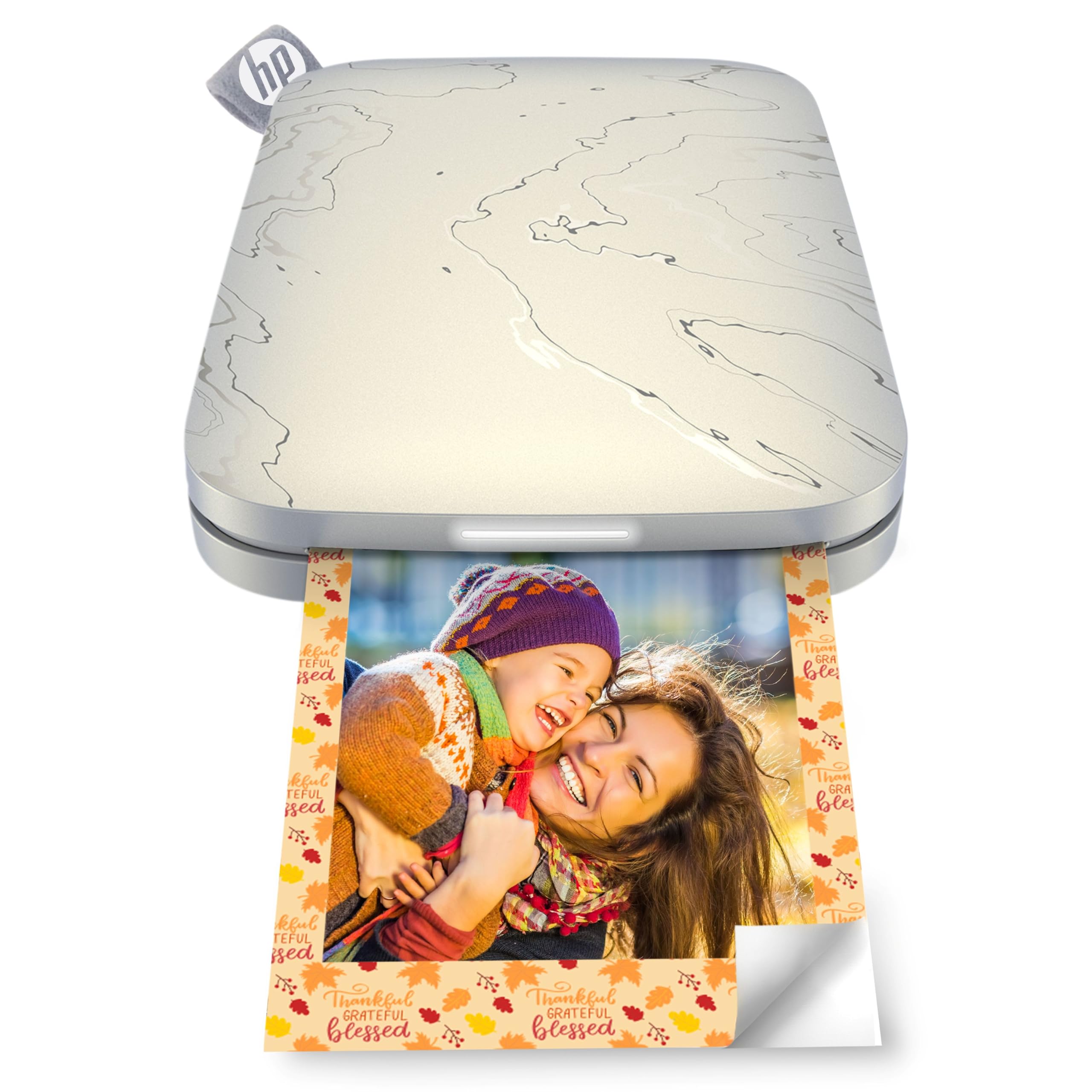
25,000+ ratings
Read Amazon ReviewsHP Sprocket Select
Consider the Select if a larger print area matters more than matching the Sprocket’s 2-by-3-inch paper format. Choose the Sprocket when its smaller sticker-sized prints are the format you want.
- The Sprocket Select prints larger 2.3-by-3.4-inch ZINK photos and uses Bluetooth 5.1. Its app offers frames and filters, and it includes a tag-to-print feature for social photos.
- The HP Sprocket prints 2-by-3-inch adhesive-backed photos and emphasizes pocket portability and shared printing.
Sticker-print alternative
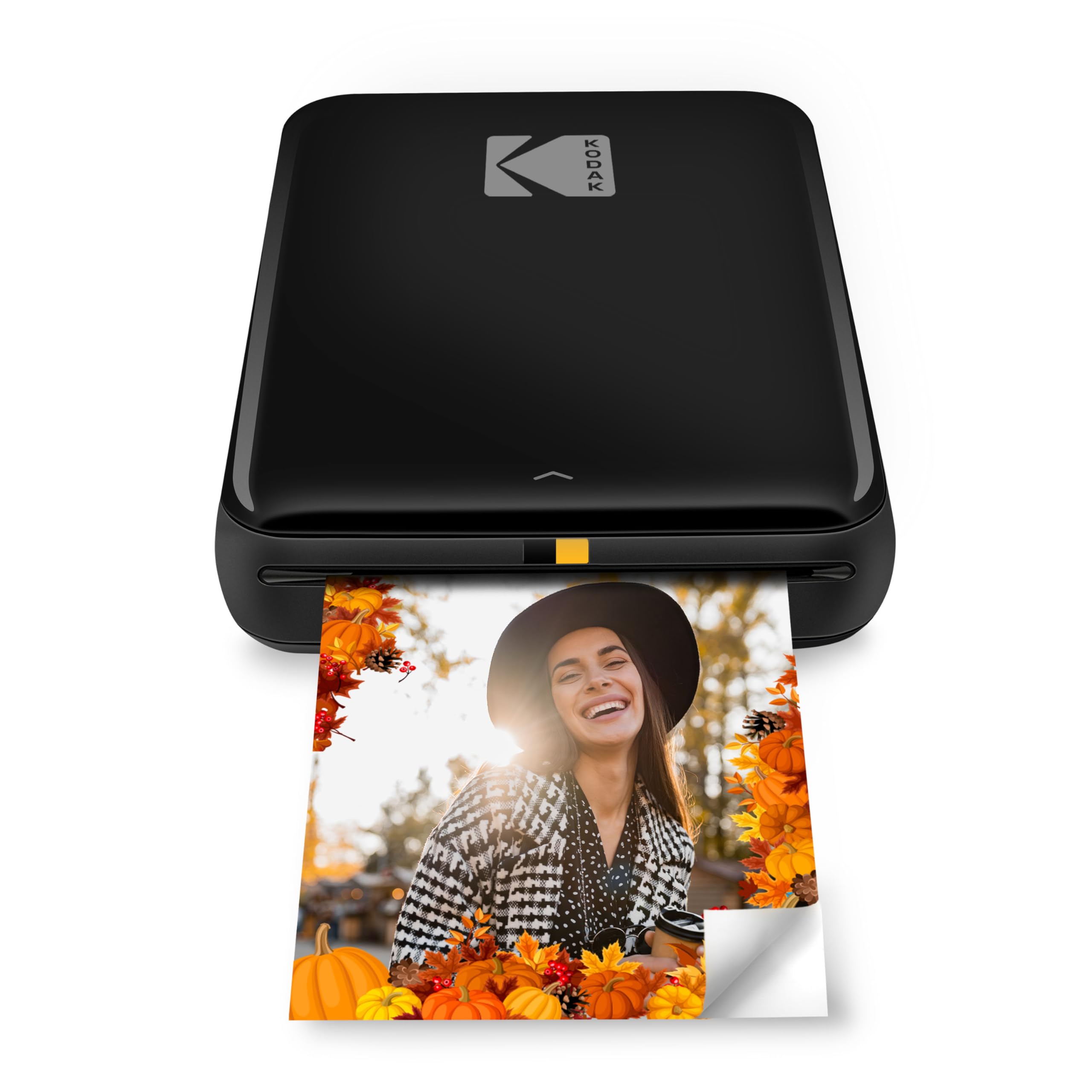
20,000+ ratings
Read Amazon ReviewsKODAK Step Instant Smartphone Photo Printer
The KODAK Step is worth considering if NFC connectivity or its stated 25-photo charge capacity suits your plans. The Sprocket is a closer fit if you value its shared-printing feature and HP app experience.
- The KODAK Step also makes 2-by-3-inch ZINK sticky-back prints and connects to iOS or Android devices through Bluetooth or NFC.
- Its editing app supports collages, filters, borders, stickers, and text; the supplied description gives a full-charge capacity of 25 photos.
- The HP Sprocket combines 2-by-3-inch sticky-backed prints with app customization and a feature for multiple devices to print together.
Is HP Sprocket Worth It?
The HP Sprocket Portable Photo Printer (2nd Edition) is worth considering for phone photographers who want a highly portable way to make small adhesive-backed prints for crafts, journals, and social occasions.
Its app tools, multi-device printing, and cartridge-free ZINK paper give it a clear casual-use purpose.
Buy it with the print size and paper supply in mind: the 2-by-3-inch format is compact, and 10 included sheets are only a starter supply.
If those limits match your plans and your phone meets the compatibility requirements, the Sprocket offers a focused, convenient way to make digital snapshots tangible.
Your review at a glance
25,000+ ratings
Read Amazon ReviewsHP Sprocket Portable Photo Printer (2nd Edition)
A pocket-friendly choice for phone photographers who want small, peel-and-stick prints for scrapbooks, journals, and sharing with friends.
- Prints 2-by-3-inch photos on adhesive-backed HP ZINK paper.
- Smartphone-sized design is intended for carrying in a pocket, purse, or backpack.
- Connects to compatible phones through Bluetooth 5.0.
- The HP Sprocket app lets users customize photos from social media or their phone before printing.